1
Pick Your Perfect List
Start by choosing a topic that matches your interests and what your audience loves. The best lists are specific, relatable, and easy to debate.
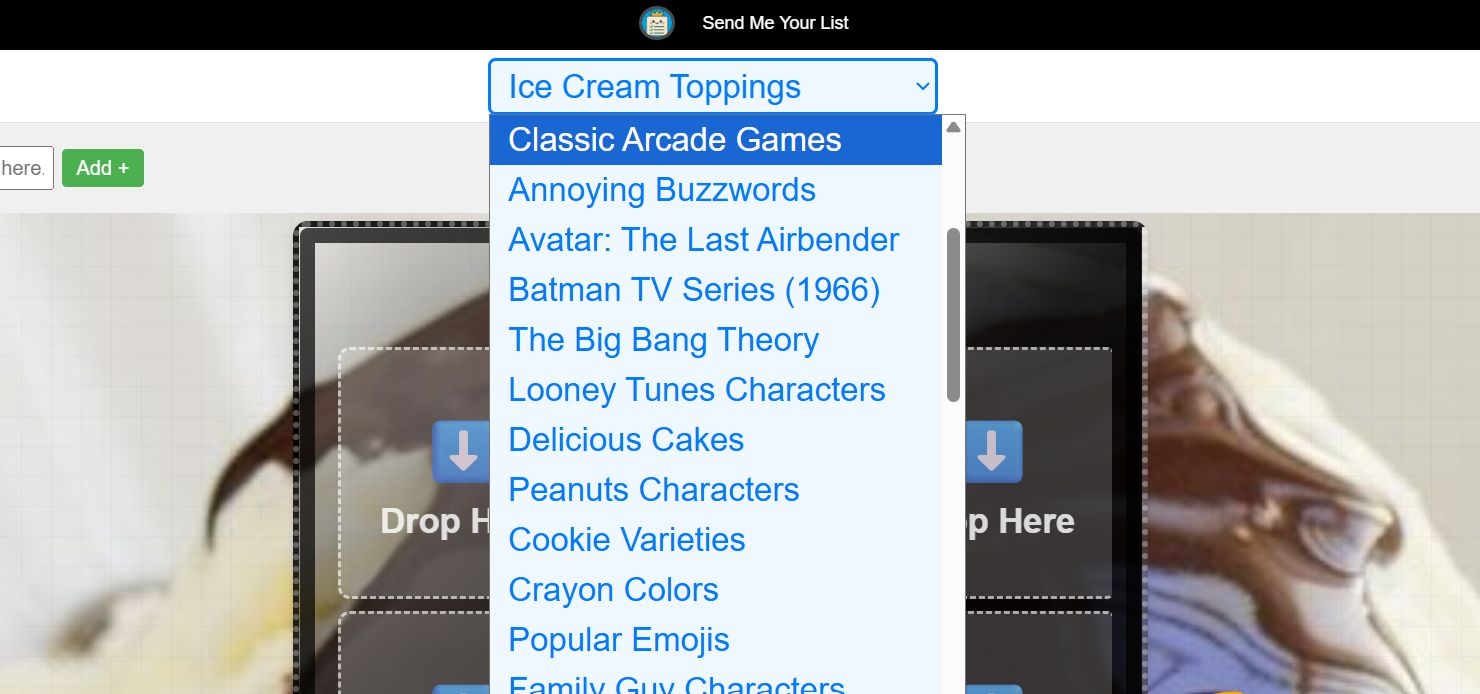
- Browse trending categories across entertainment, lifestyle, sports, and food.
- Use search to find niche topics you know well.
- Pick a list that sparks conversation or nostalgia.
- Think about what your audience will instantly recognize.
Pro tip: Lists that spark friendly debates usually perform best on social platforms.
2
Choose and Sort Your Items
Curate your picks and arrange them with intention. A tight list with clear rankings keeps people reading to the end.
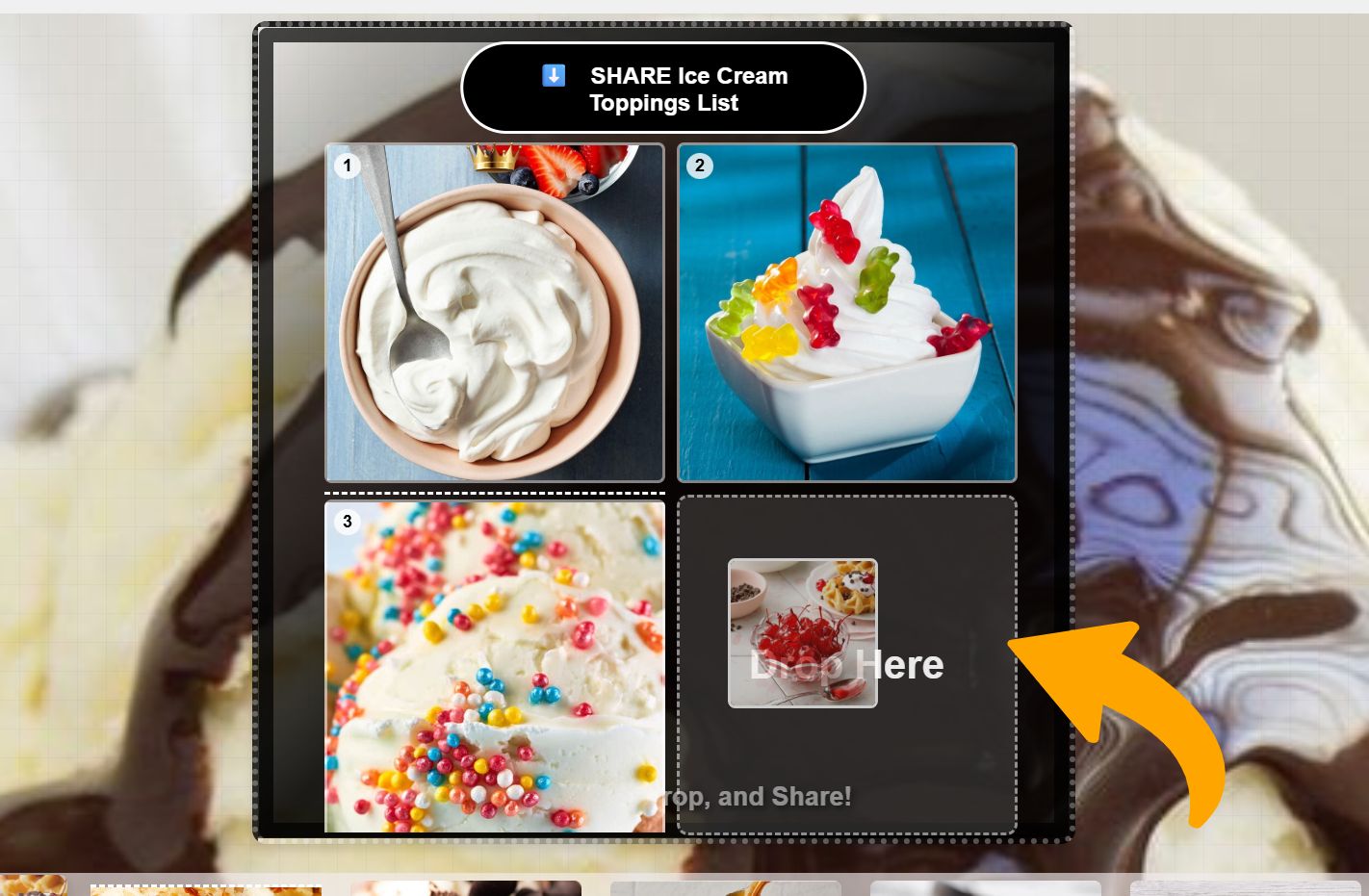
- Use 5-10 items to keep engagement high.
- Drag and drop to finalize your ranking.
- Add personal notes to explain tough calls.
- Mix predictable picks with a few surprises.
Pro tip: Put your most controversial pick at #1 or #2 to hook readers.
3
Create Your List Image
Turn your ranking into a visual people want to save and share. Templates make it easy to look professional fast.
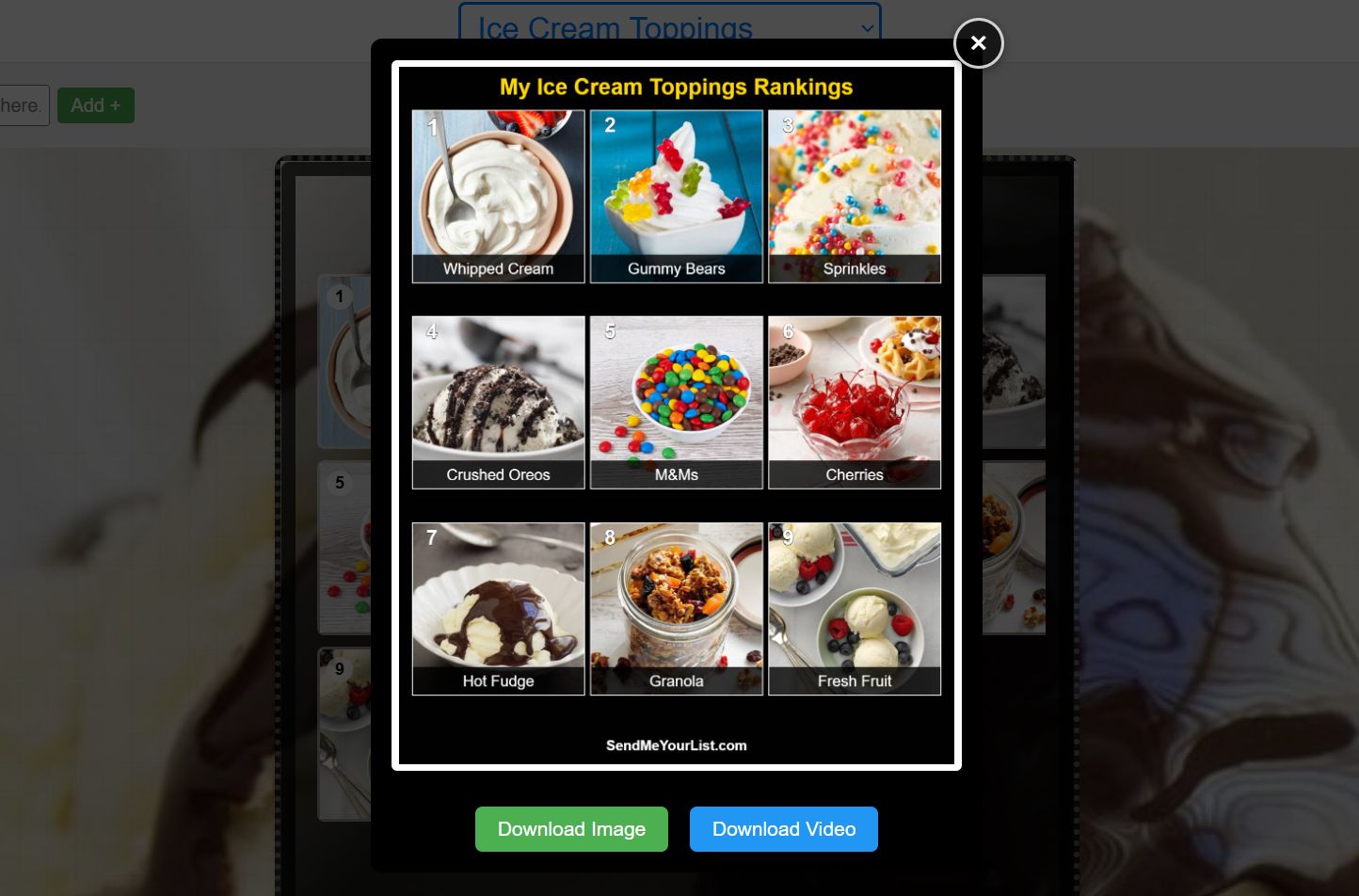
- System will choose a template built for the platform you want to post on.
- It will coordinate colors and fonts.
- Uses icons and accents to emphasize key picks.
- Preview the layout befor uploading to social.
Pro tip: High contrast colors and bold typefaces stop the scroll.
4
Create Your Video
Transform your list into a short video to boost reach on TikTok, Reels, and Shorts.
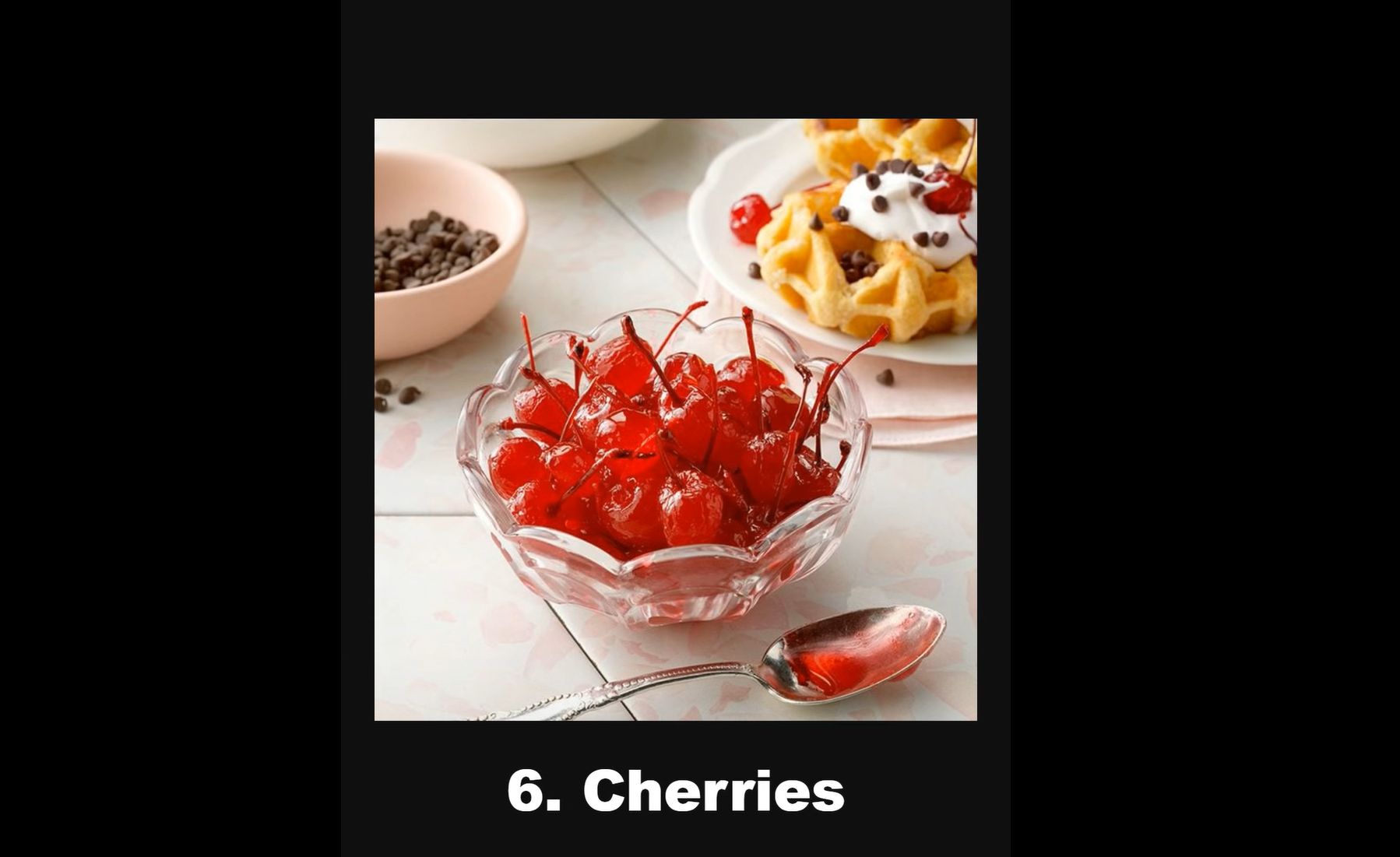
- System wil pick a reveal style: countdown, quick cuts, or dramatic pauses.
- You can add music later, or voice-over to keep attention.
- Total length is around 15-30 seconds.
- Starts with a hook in the first three seconds.
Pro tip: Tease your #1 pick early to keep viewers watching.
5
Share and Go Viral
Publish strategically to maximize reach, engagement, and shares across platforms.
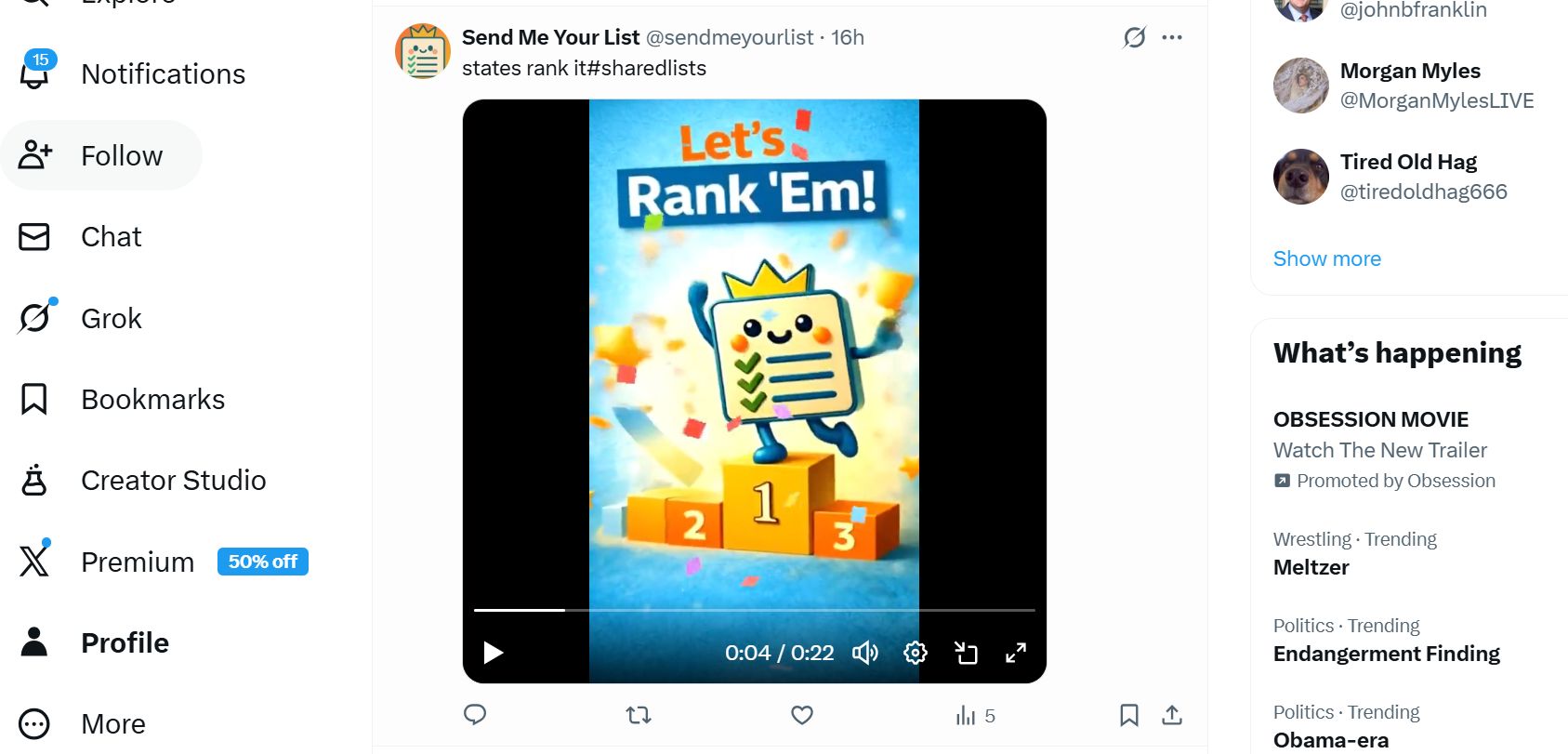
- Customize captions for each platform.
- Use trending hashtags tied to your topic.
- Post at peak times for your audience.
- Reply quickly to early comments.
Pro tip: Ask a question to encourage comments and boosts.
Ready to Create Your First List?
Join creators who are already building audiences with SendMeYourList.